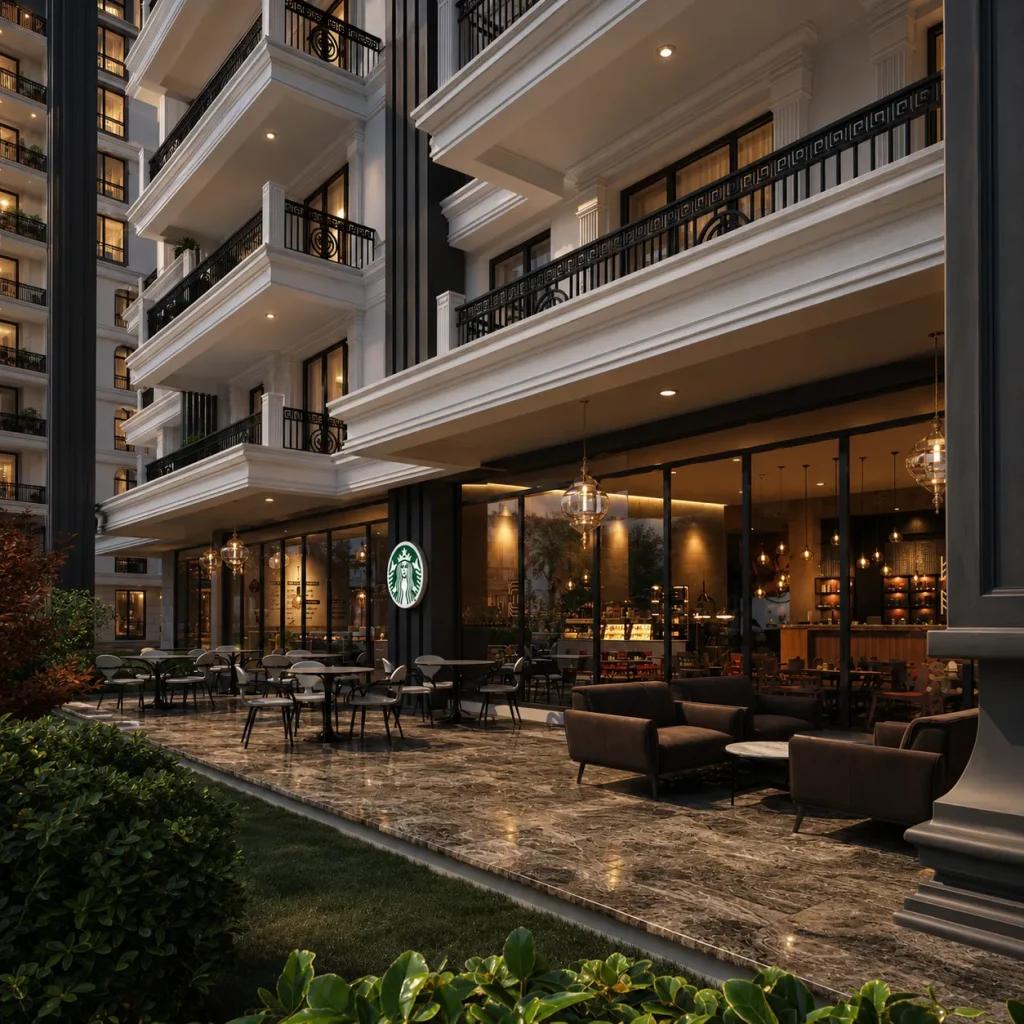
The right software depends on the available input files, the required level of realism and how revisions will be managed. Build a consistent workflow for geometry, materials, lighting, rendering and image finishing rather than judging a tool by isolated features.
What is a 3ds Max plugin, and when is one useful?
A plugin adds a specialized capability to the 3ds Max workflow, from rendering to parametric modeling, object distribution or simulation. Choose tools according to actual project needs, version compatibility and licensing, rather than installing every available extension.

V-Ray: professional architectural rendering
V-Ray provides detailed control over lights, shaders, cameras and high-quality output. It is widely used for demanding exterior and interior visualization, where repeatability and accurate material adjustments are important. Its full value comes from a disciplined scene workflow.
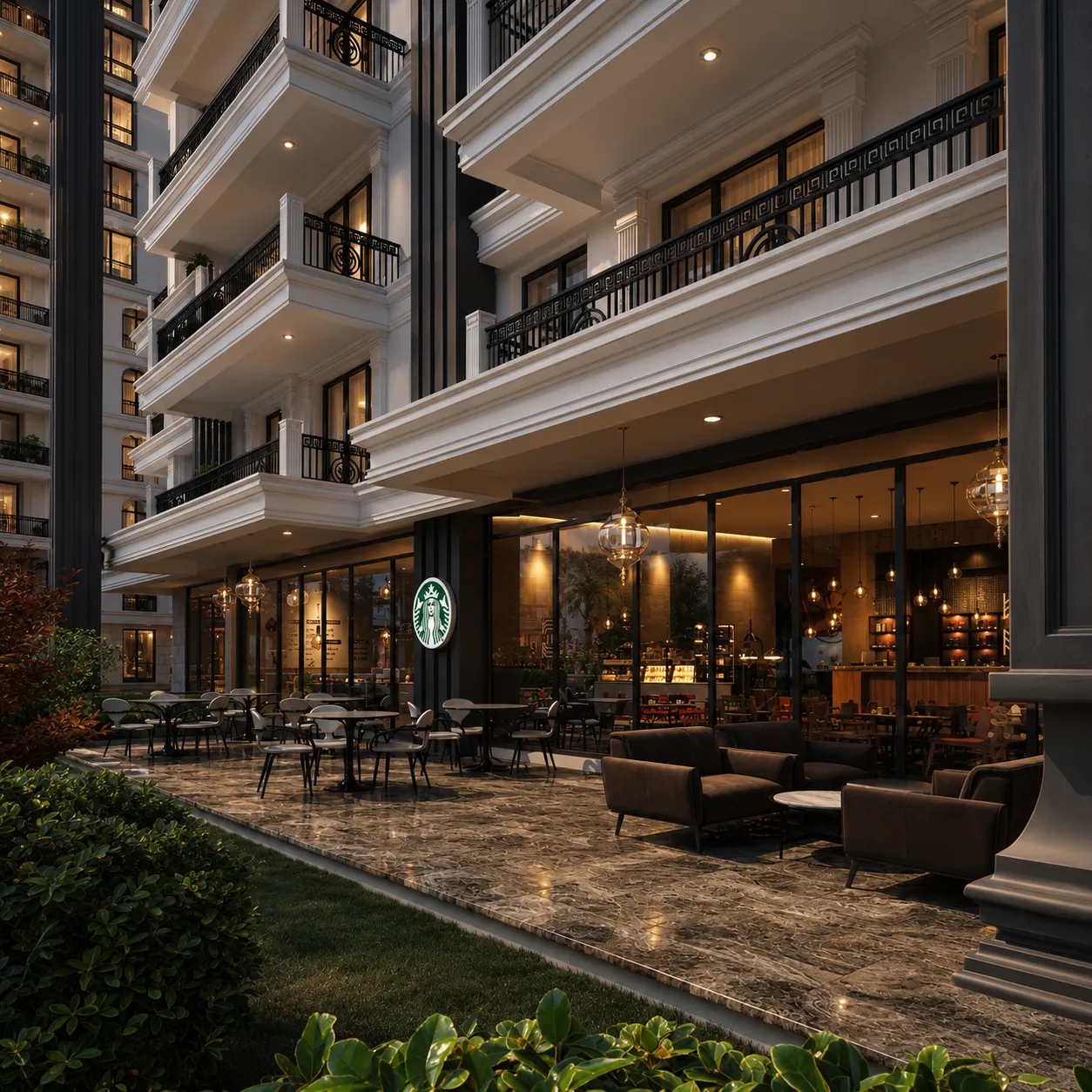
Corona Renderer: interiors and exteriors
Corona offers an approachable lighting and material workflow for architectural scenes. It suits many interior and exterior projects, with flexible camera and look-development controls. The choice between engines should reflect team familiarity, existing assets and project requirements.

Forest Pack: distributing trees, grass and landscaping
Forest Pack is designed for large-scale scattering of vegetation and repeated assets. It helps populate landscapes efficiently without manually placing every object. Distribution density, variation and render optimization should be managed carefully in complex scenes.
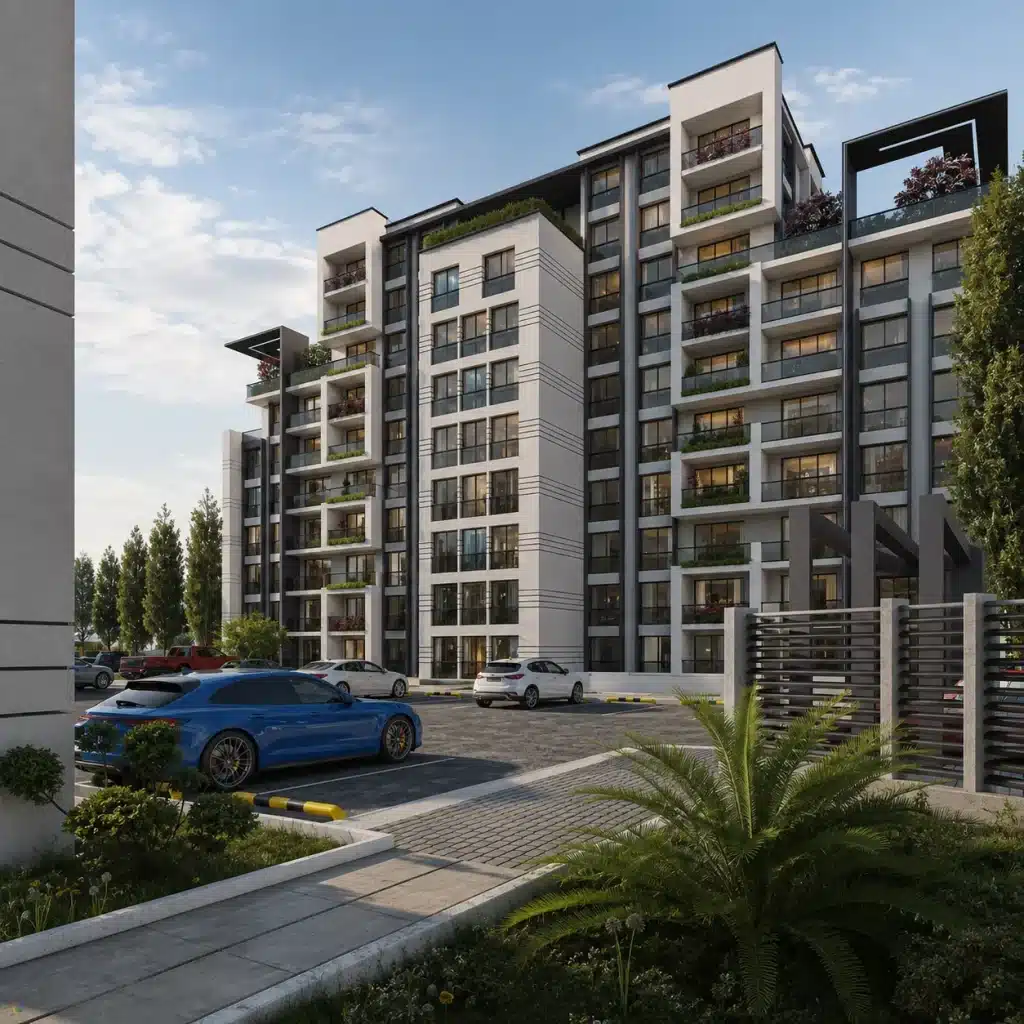
RailClone: parametric railings and repetitive facade details
RailClone can build rule-based systems for railings, cladding modules, paving and repeating architectural features. The advantage is controlled consistency when the geometry changes. Set up logical generators and test how modules meet at corners and terminations.

MultiScatter: distributing objects across large scenes
MultiScatter is another option for populating extensive environments with repeated objects. It can reduce manual placement, but scene scale, memory use and compatibility with the render engine require attention.

FumeFX: smoke, fire and visual effects
FumeFX addresses volumetric and fluid-like simulations rather than everyday architectural modeling. It can support specialized animation scenes, but most still-image architectural commissions do not require this level of effects work.

Chaos Scatter and other distribution tools
Modern rendering ecosystems increasingly include built-in tools for scattering vegetation and props. Compare these against standalone plugins for reliability, feature set, hardware requirements and the ability to reuse existing libraries.

Compatibility, licensing and safe installation
Before updating a plugin, check its support for the installed 3ds Max and renderer versions. Keep project dependencies documented and install from trustworthy vendors. Test updates on a copy of a production scene to avoid breaking deliverables.
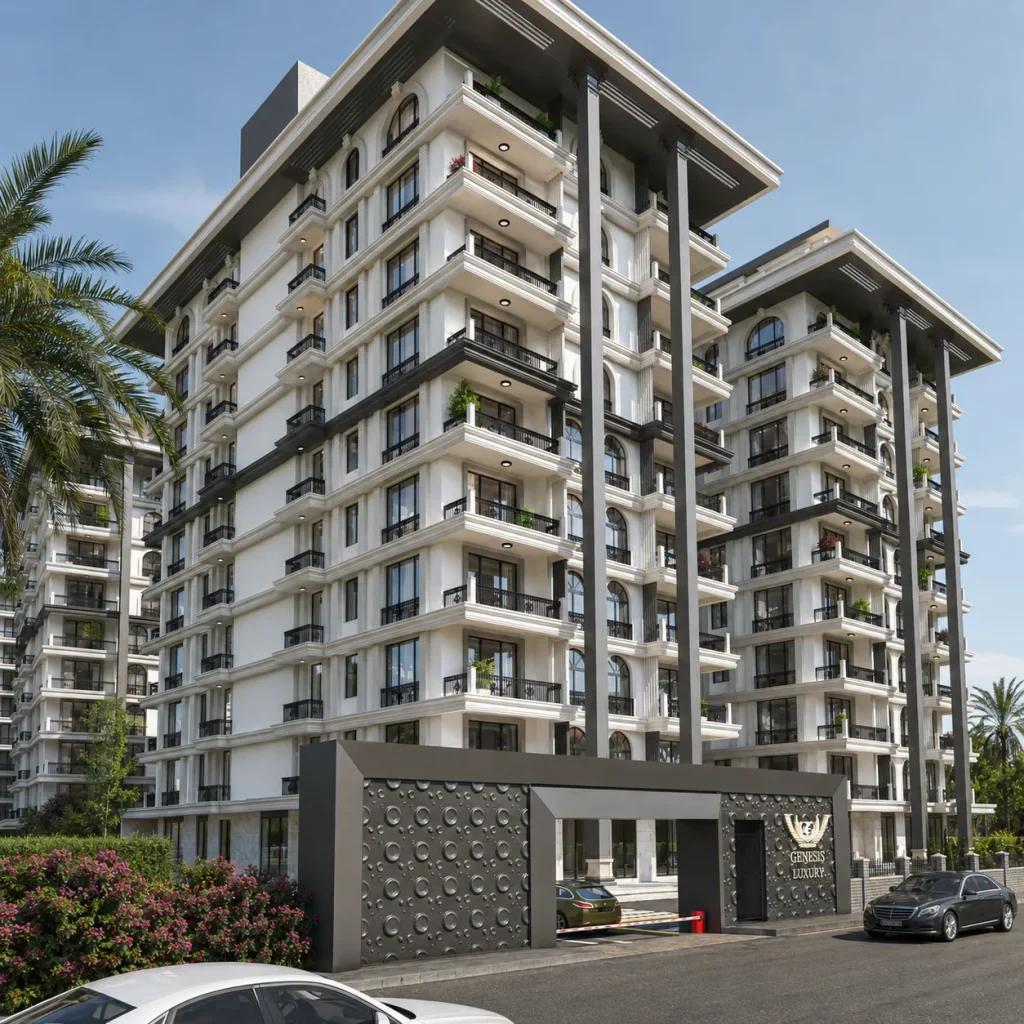
A practical starter toolkit for architectural visualization
Begin with a reliable renderer, a consistent material library and a manageable scattering solution. Add parametric tools or simulation plugins only as the work demands. A stable, well-understood pipeline usually contributes more than an excessive number of extensions.

Related visual examples
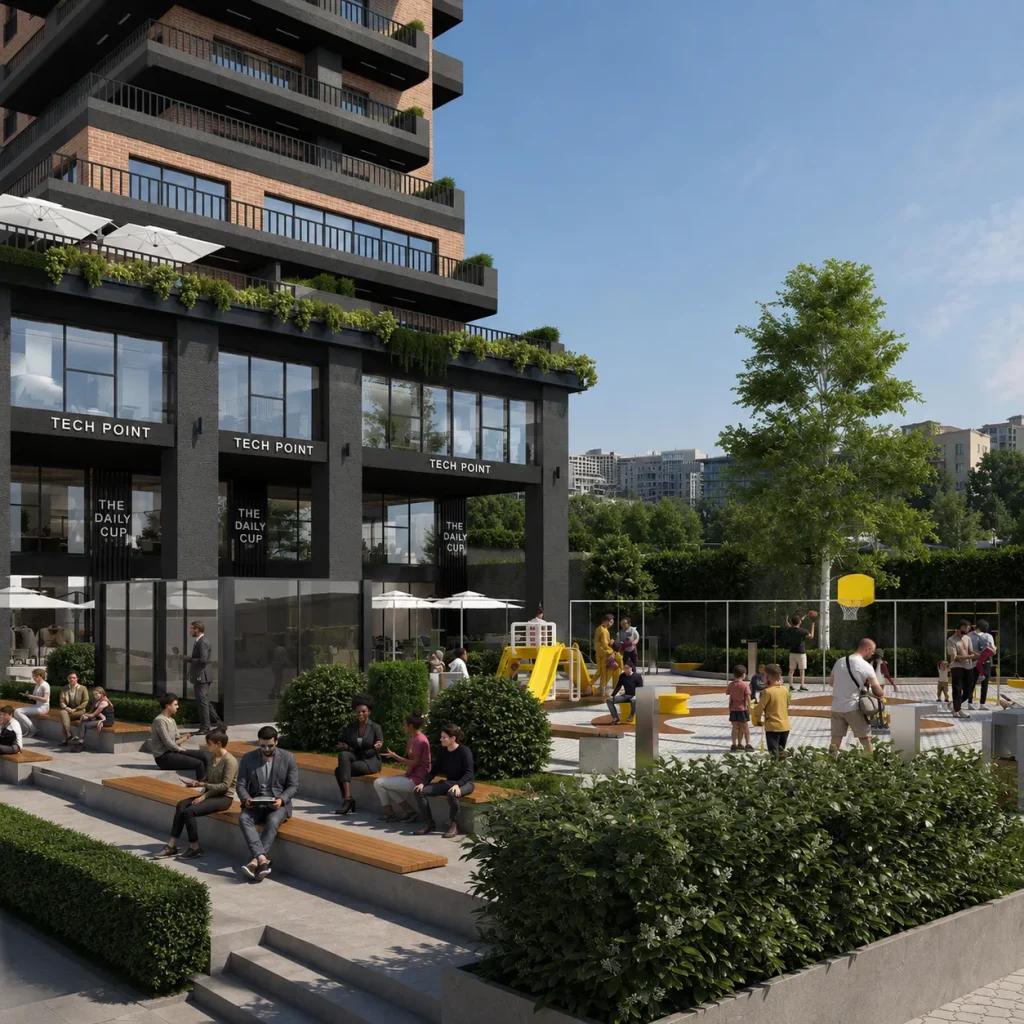
Selected architectural visualizations from our service portfolio.

Next steps for your project
Before applying these ideas, evaluate the project’s dimensions, intended use, available drawings and material requirements together. Render Atölyesi helps translate architectural information into informed design and visualization decisions.
Explore the related service