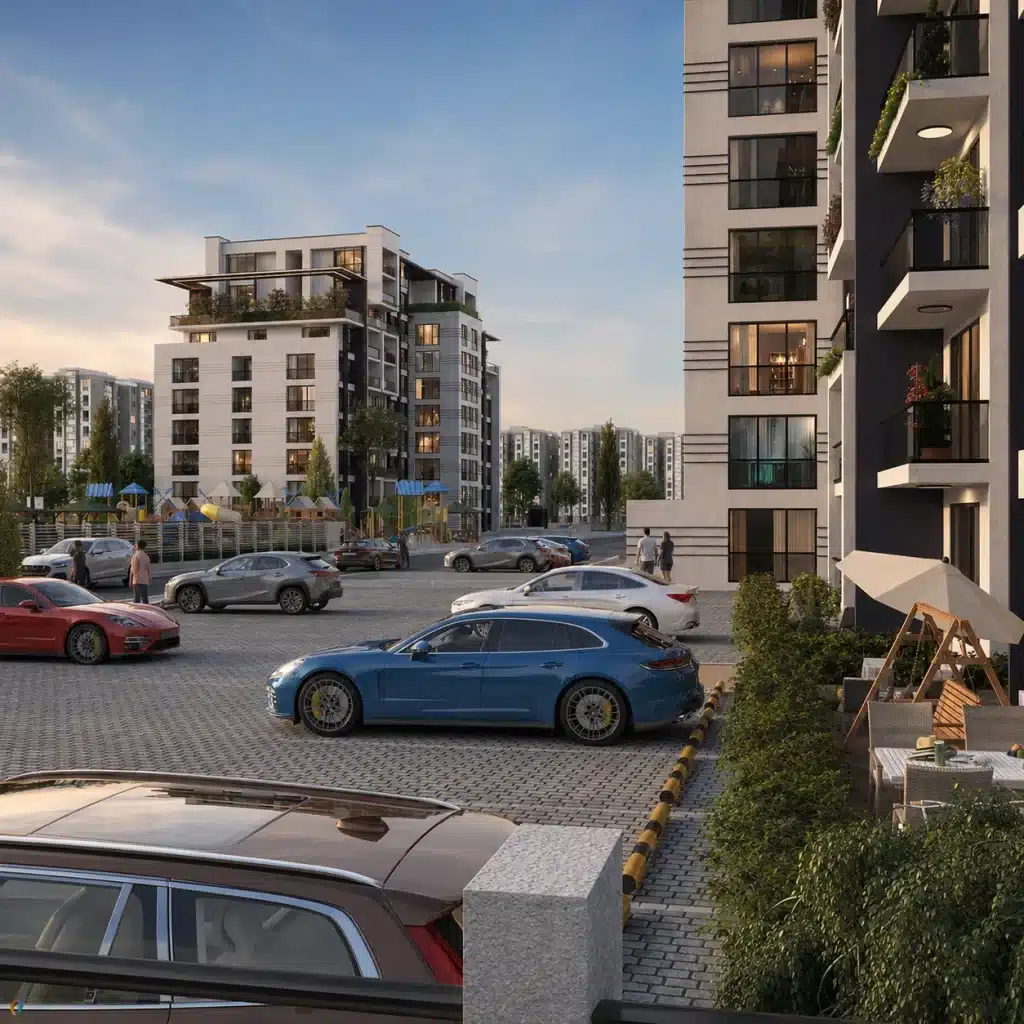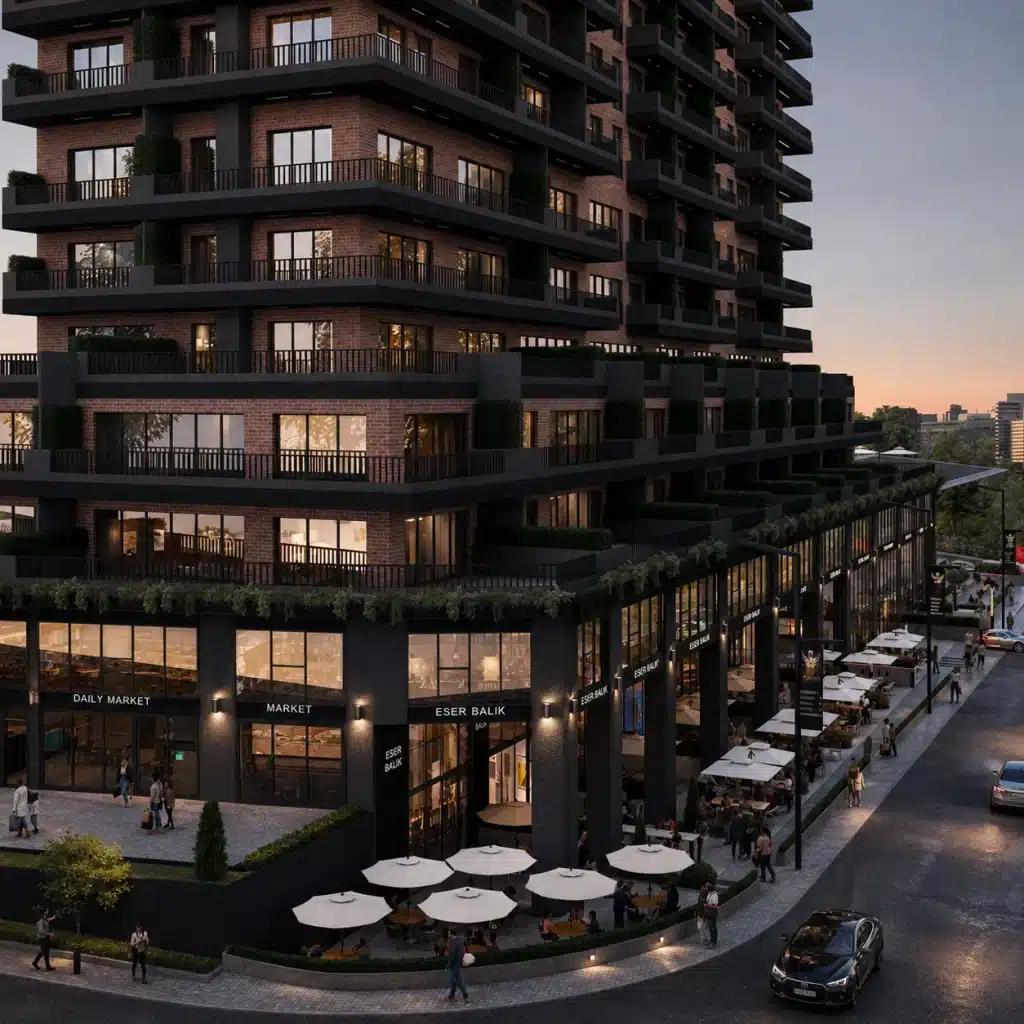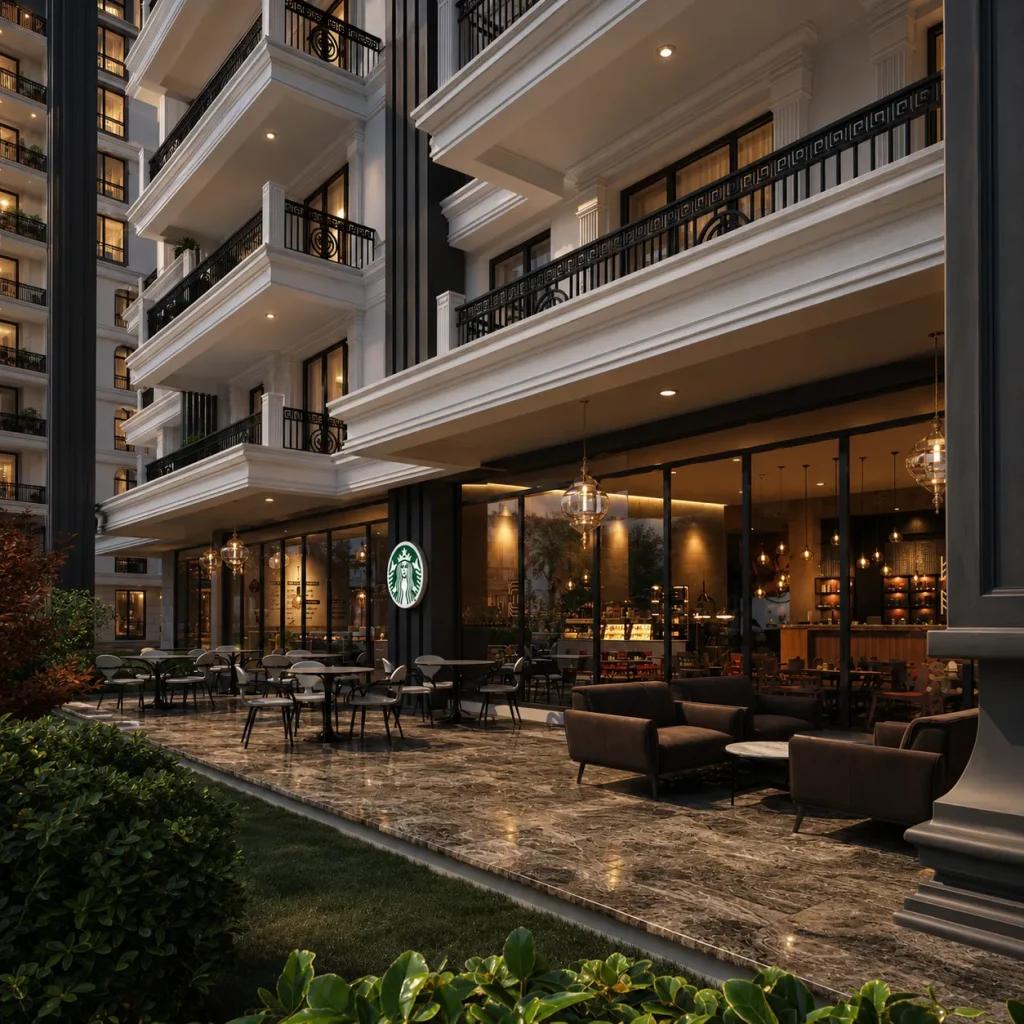
The right software depends on the available input files, the required level of realism and how revisions will be managed. Build a consistent workflow for geometry, materials, lighting, rendering and image finishing rather than judging a tool by isolated features.
Begin with a sound base render
Post-production works best when lighting, materials and geometry are already convincing in the original scene. It should refine the visual narrative, not conceal fundamental modeling problems.
Work with organized layers
Separate render passes and adjustment layers allow targeted corrections to contrast, color, atmosphere and selected details. A nondestructive workflow makes reviews easier.
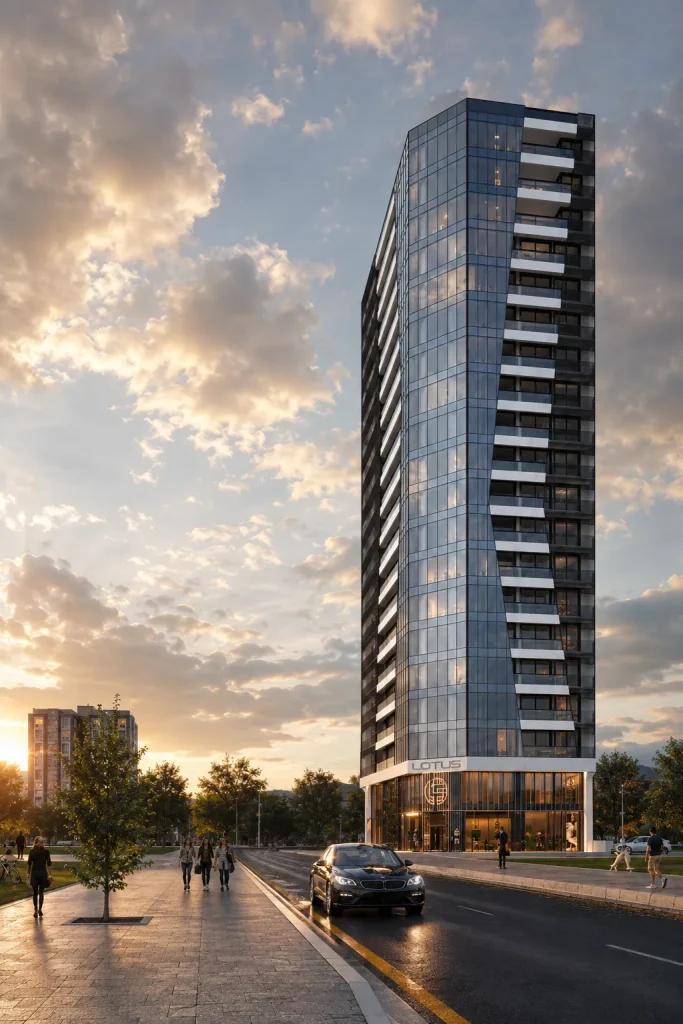
Preserve the architectural design
When adding people, planting or atmospheric effects, check that the building’s geometry and approved materials remain unchanged. Realism should support accurate representation.
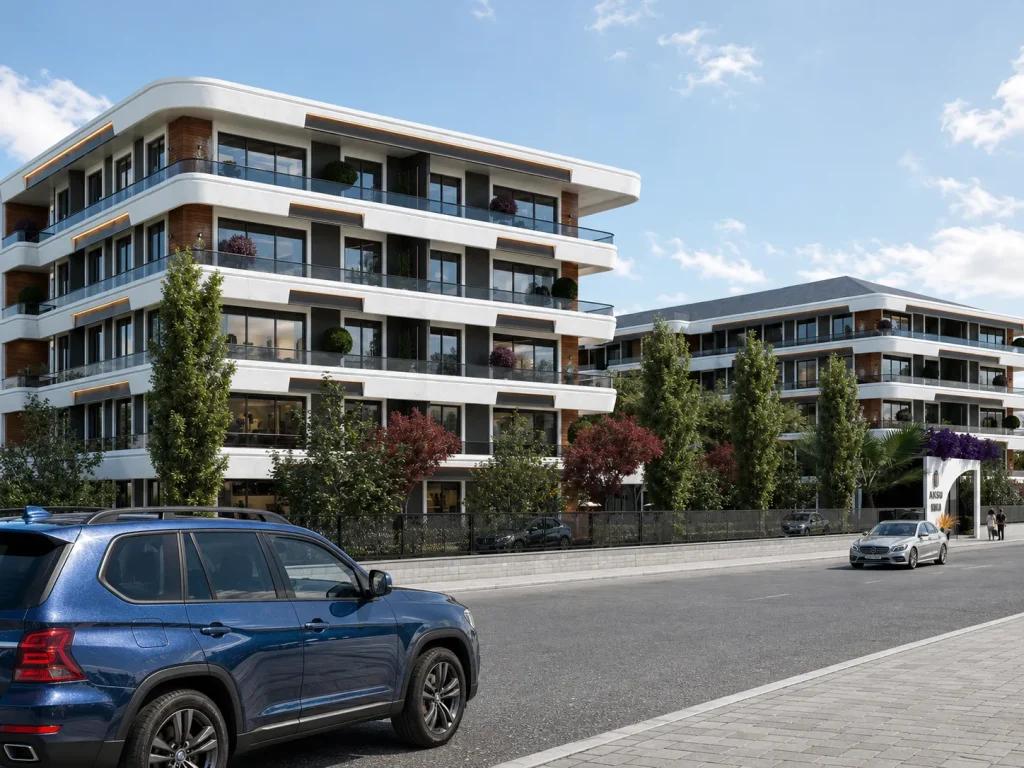
Related visual examples
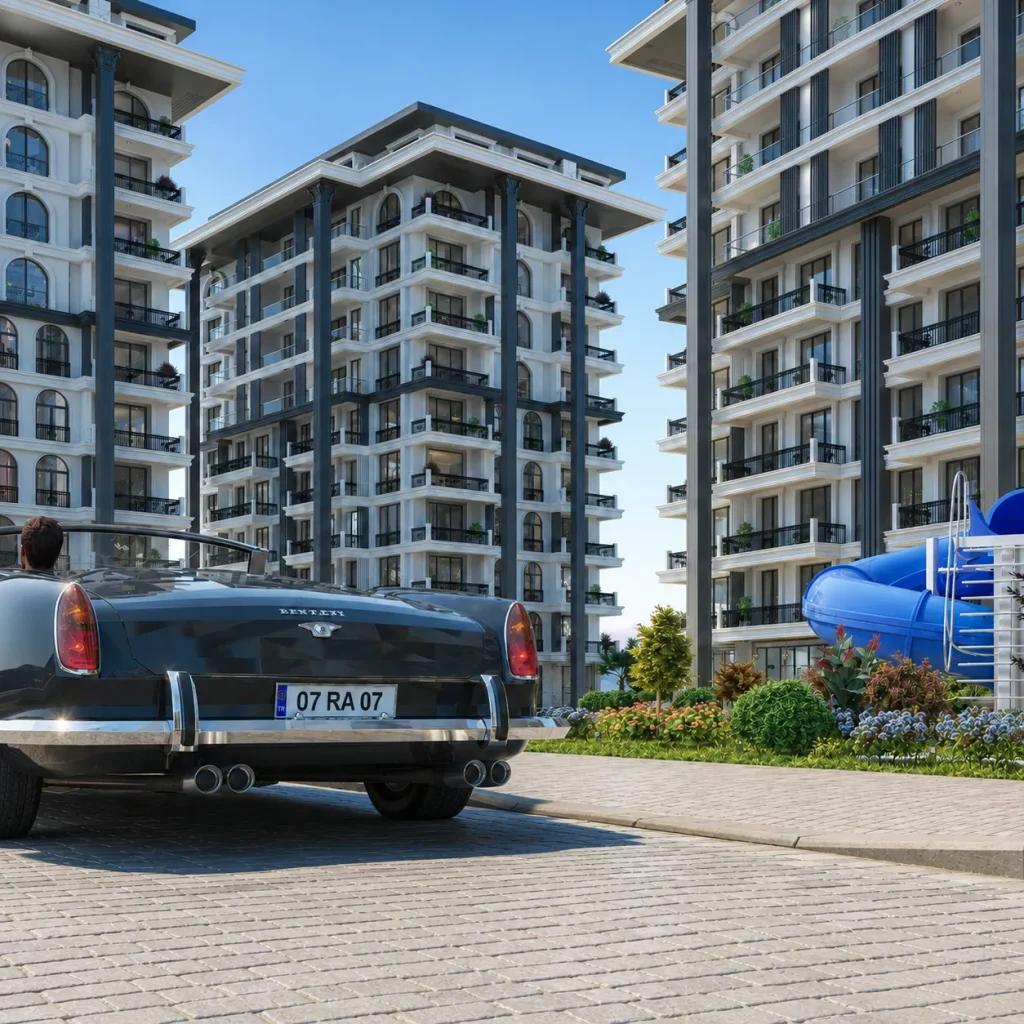
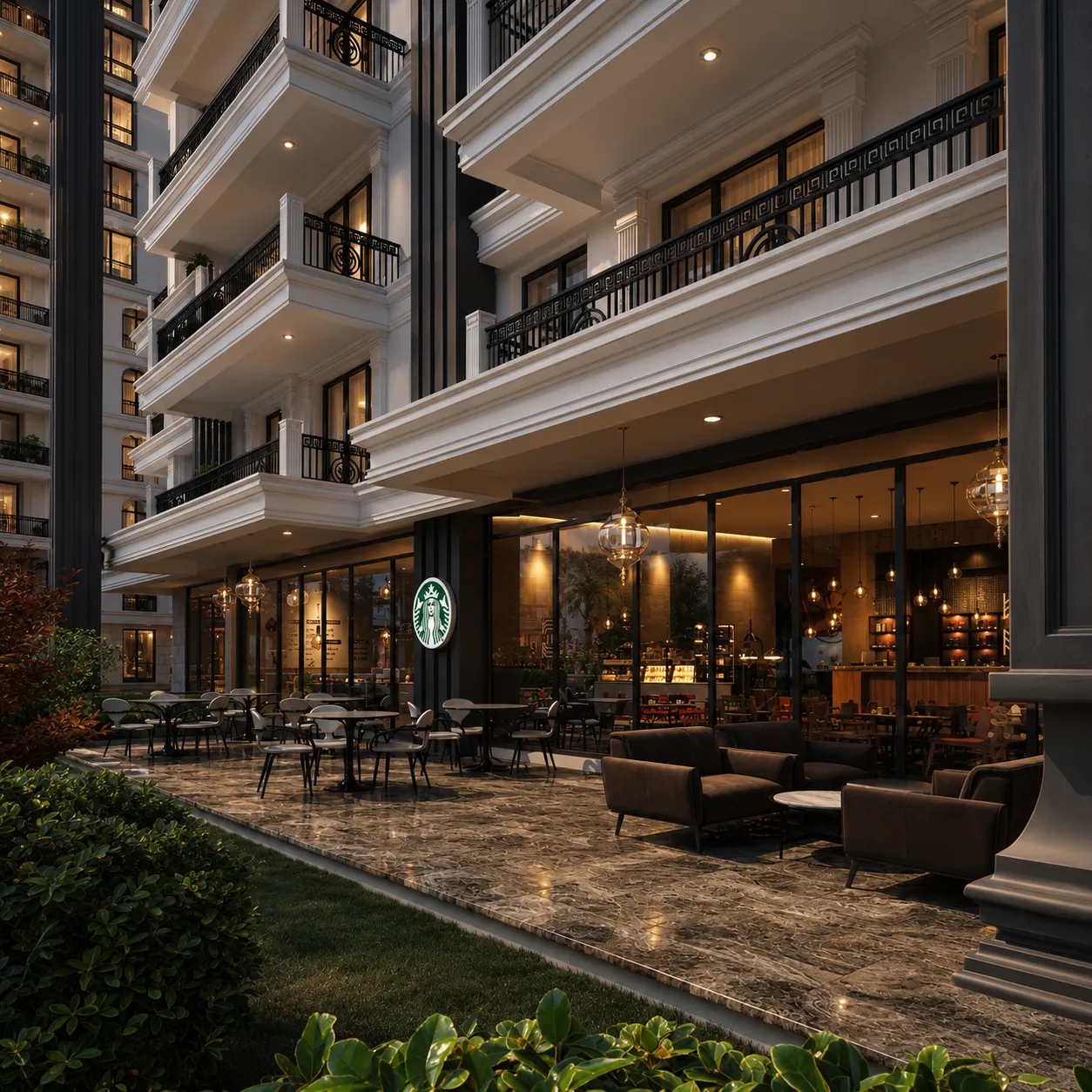
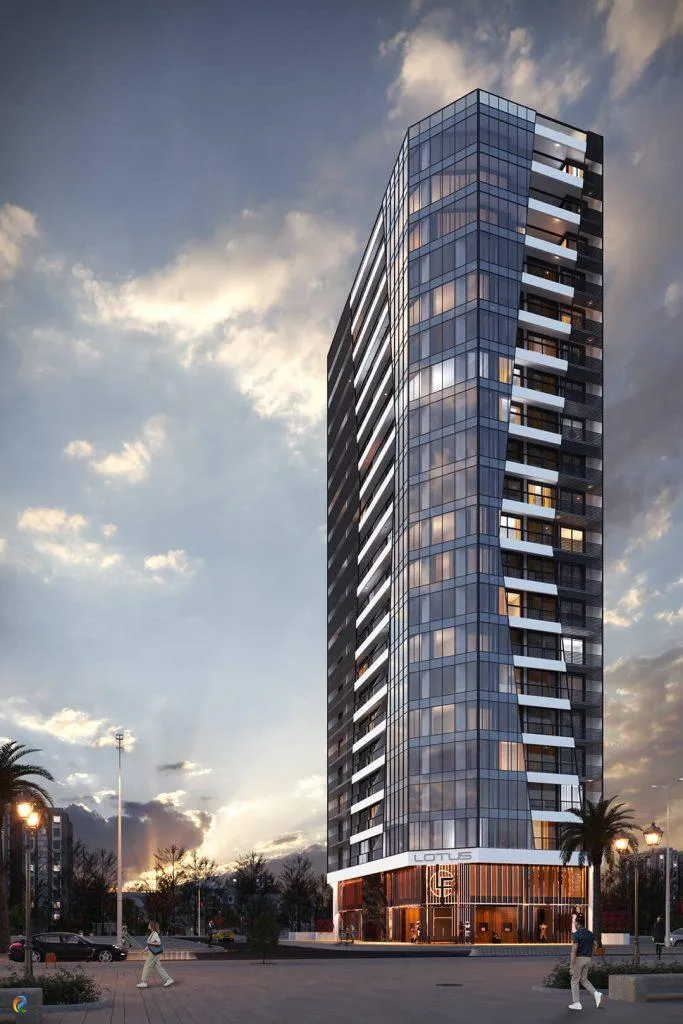
Selected architectural visualizations from our service portfolio.
Next steps for your project
Before applying these ideas, evaluate the project’s dimensions, intended use, available drawings and material requirements together. Render Atölyesi helps translate architectural information into informed design and visualization decisions.
Explore the related service