Packaging and cosmetic products
Bottle shapes, caps, labels and transparent finishes are modeled from dimensions and references. Multiple views can showcase cosmetics and personal-care packaging.

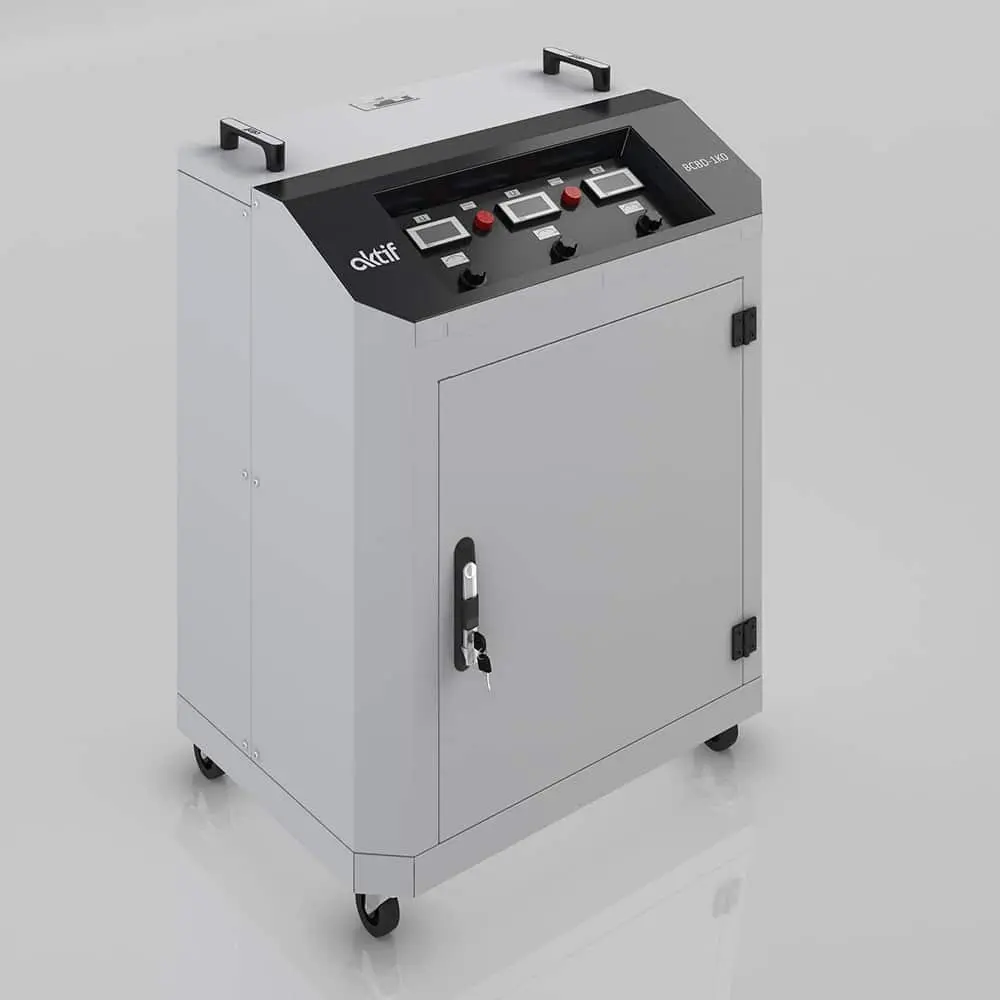
From packaging and furniture to appliances and industrial parts, we turn design concepts and existing products into clear 3D visuals.
3D modeling defines not just a front silhouette but depth, volume and relationships from multiple angles. It helps evaluate packaging, furniture and product concepts.
Materials are applied after product details are confirmed. Reflections, transparency, wood grain and fabric can be tested under light, then rendered for catalogs or ecommerce.
Here we focus on 3D product modeling and visualization examples. For architectural and general modeling, explore our 3D modeling service page.
Where dimensions are available, we respect product proportions. Photo-only projects may require measurement verification.
The goal is to communicate product features clearly to customers or design teams.
Bottle shapes, caps, labels and transparent finishes are modeled from dimensions and references. Multiple views can showcase cosmetics and personal-care packaging.
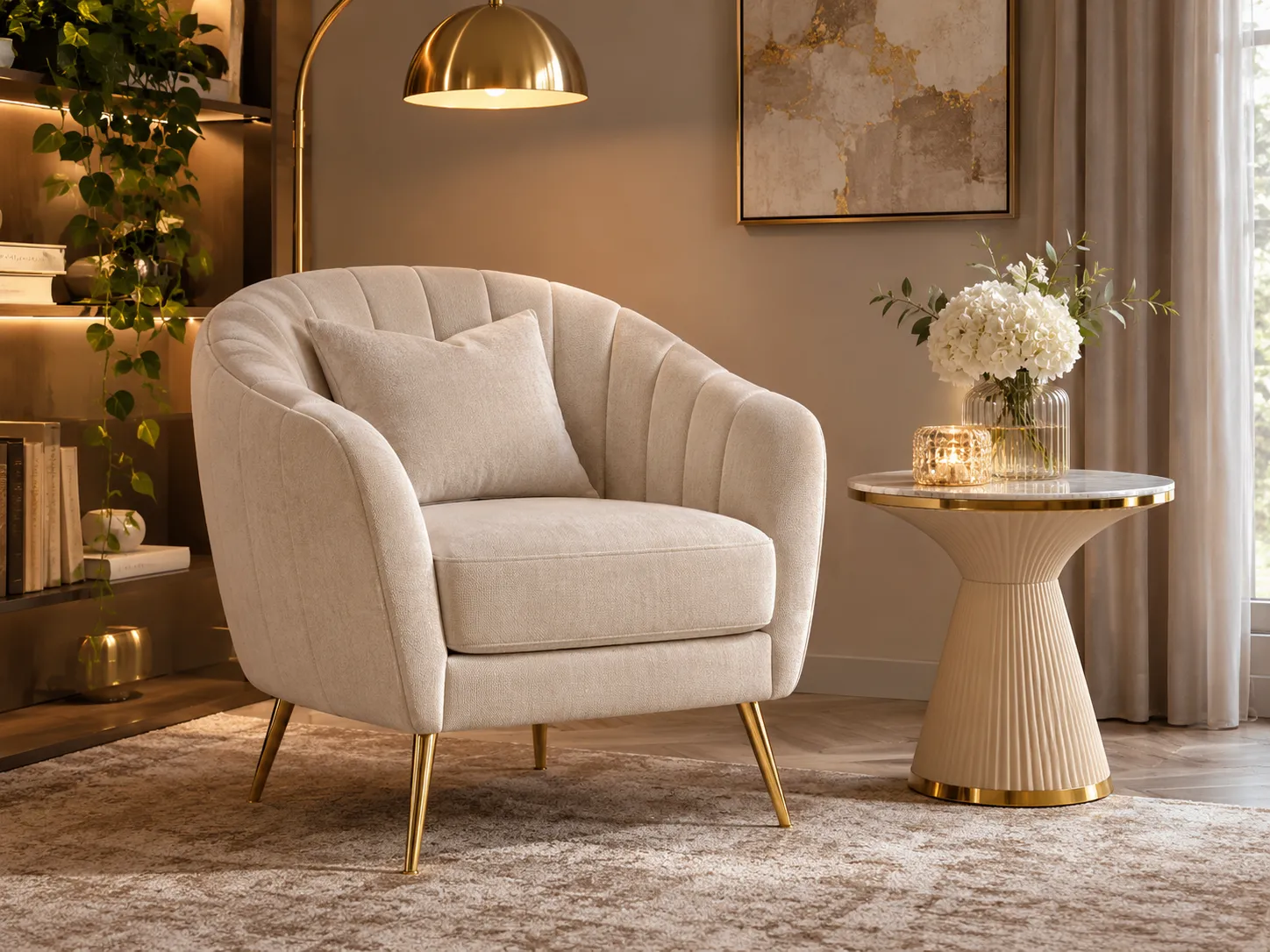
For seating, tables and cabinets we examine shapes, joints, finishes and fabrics. One model can show multiple materials and colors.
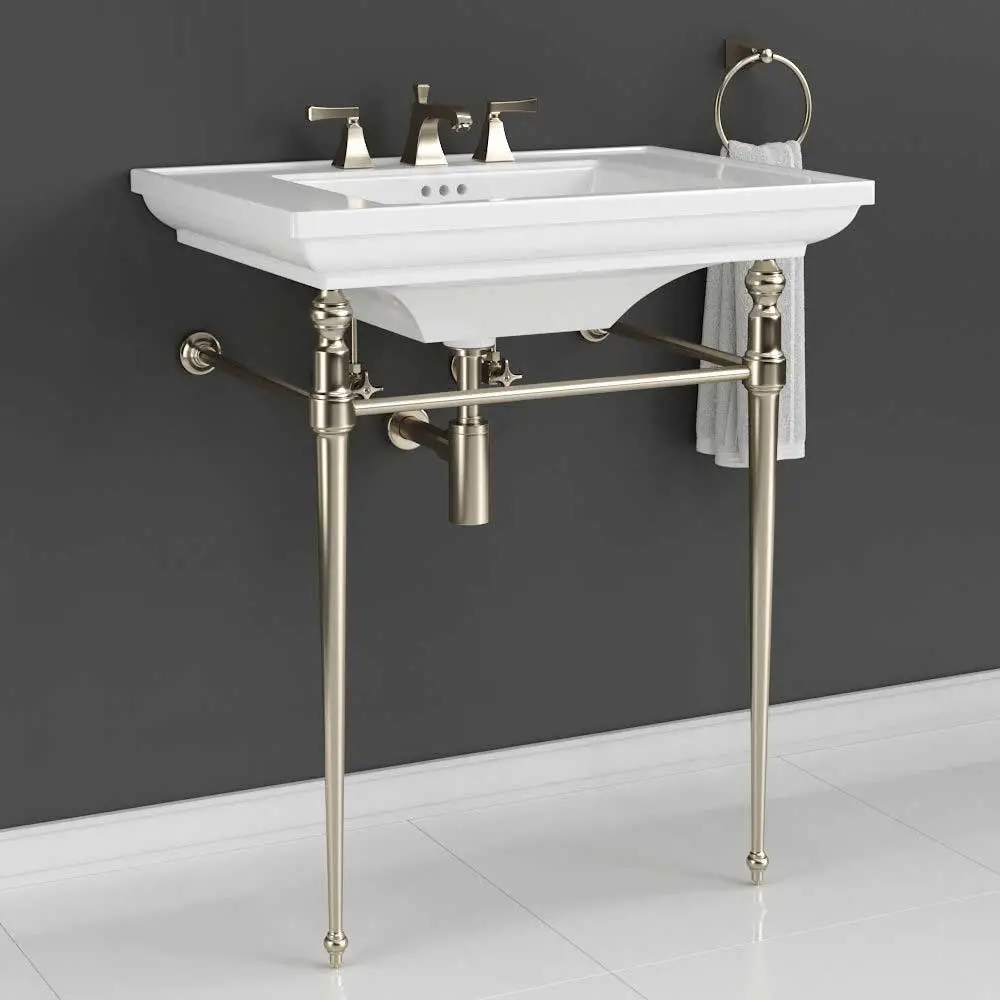
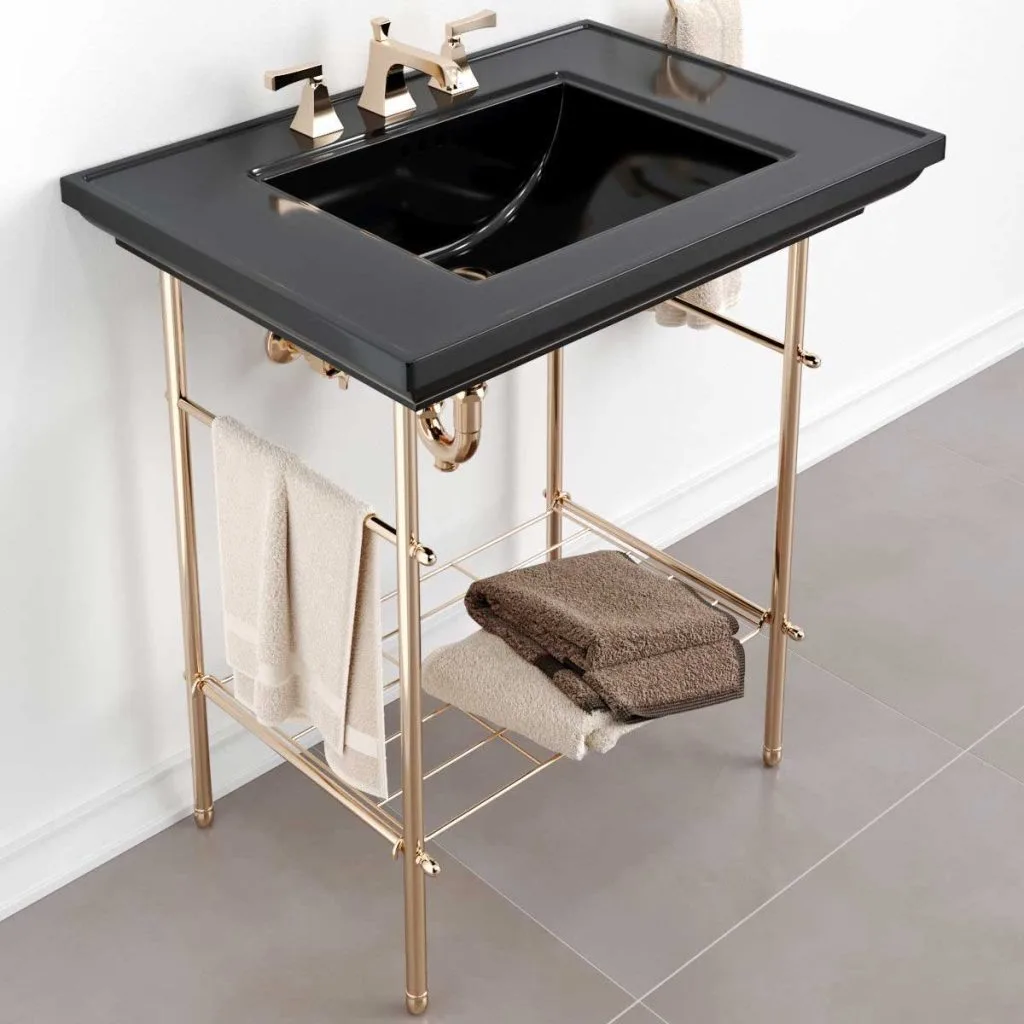
We highlight proportions, surface reflections and practical details in sinks, fittings, appliances and kitchen accessories.
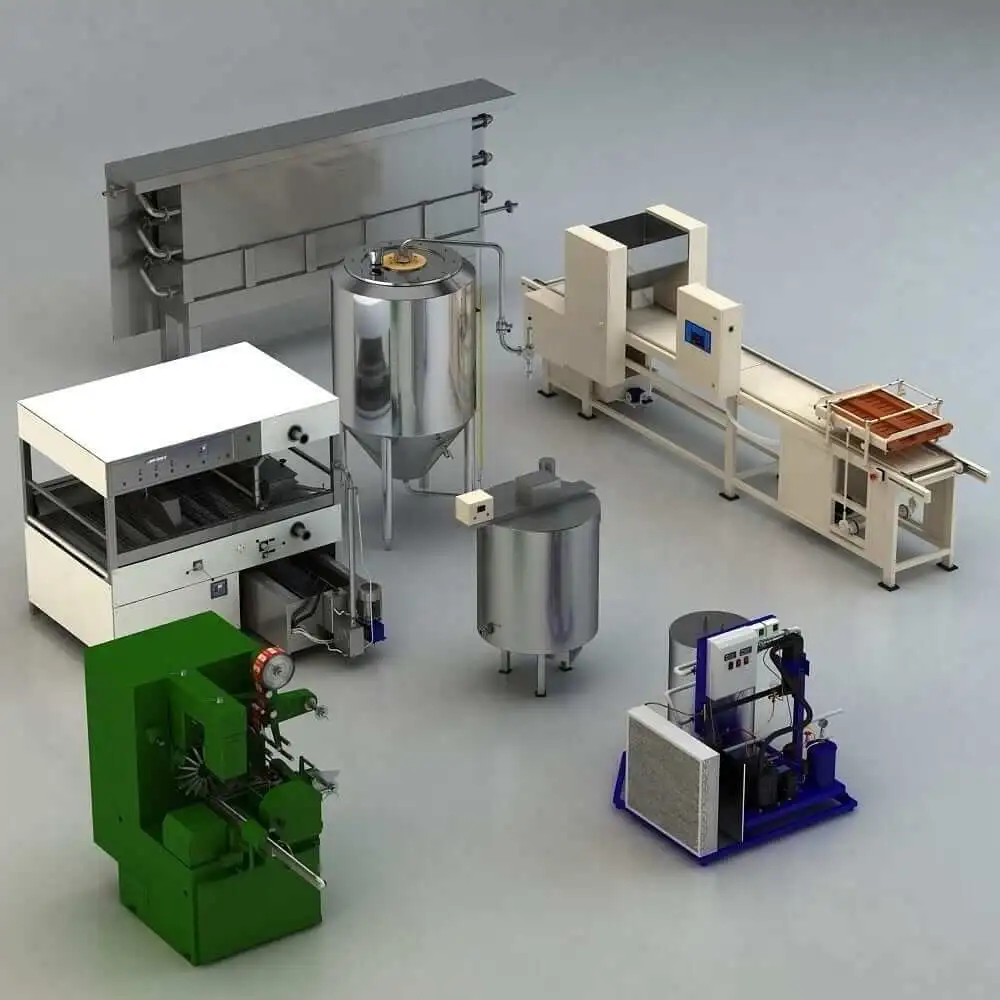
Parts imported from CAD data can be prepared for presentation while respecting technical references. Visualization assets are distinct from manufacturing models.
Selected examples from our 3D modeling, furniture and product visualization archive. Images are loaded from the available asset folders.
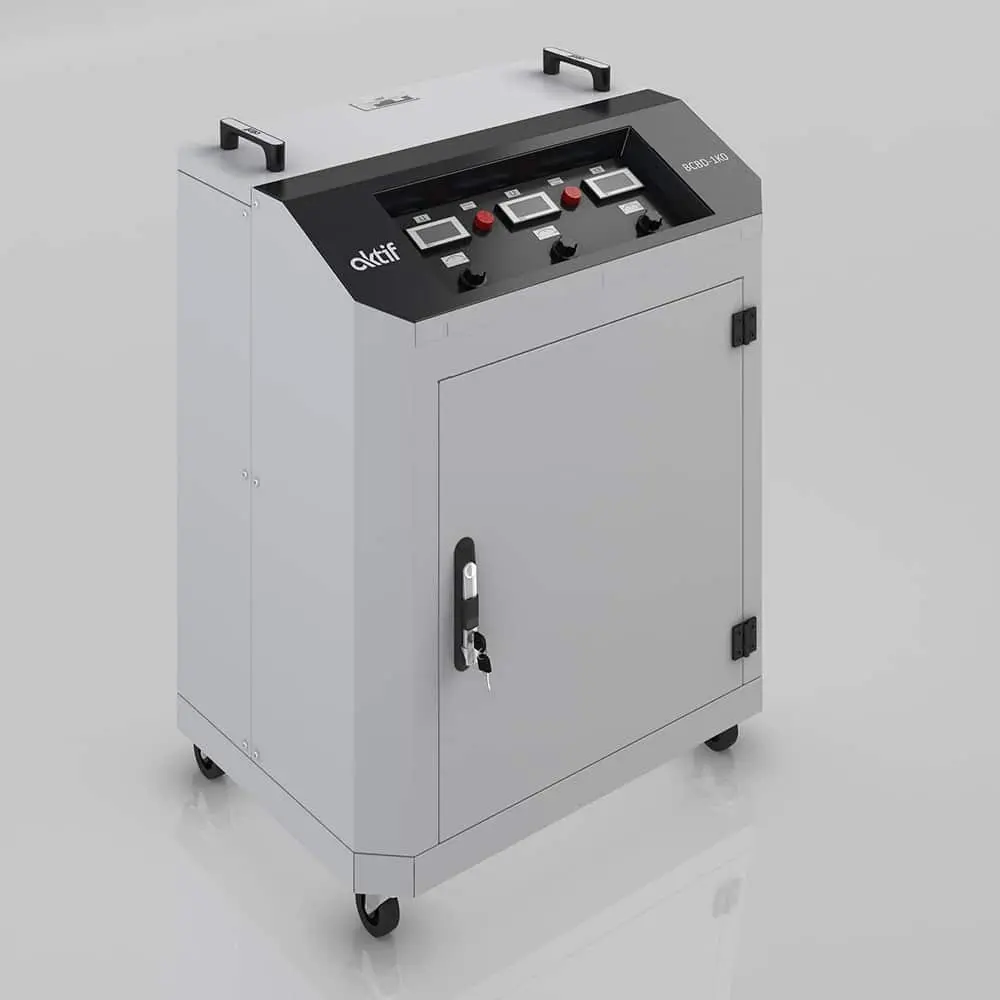
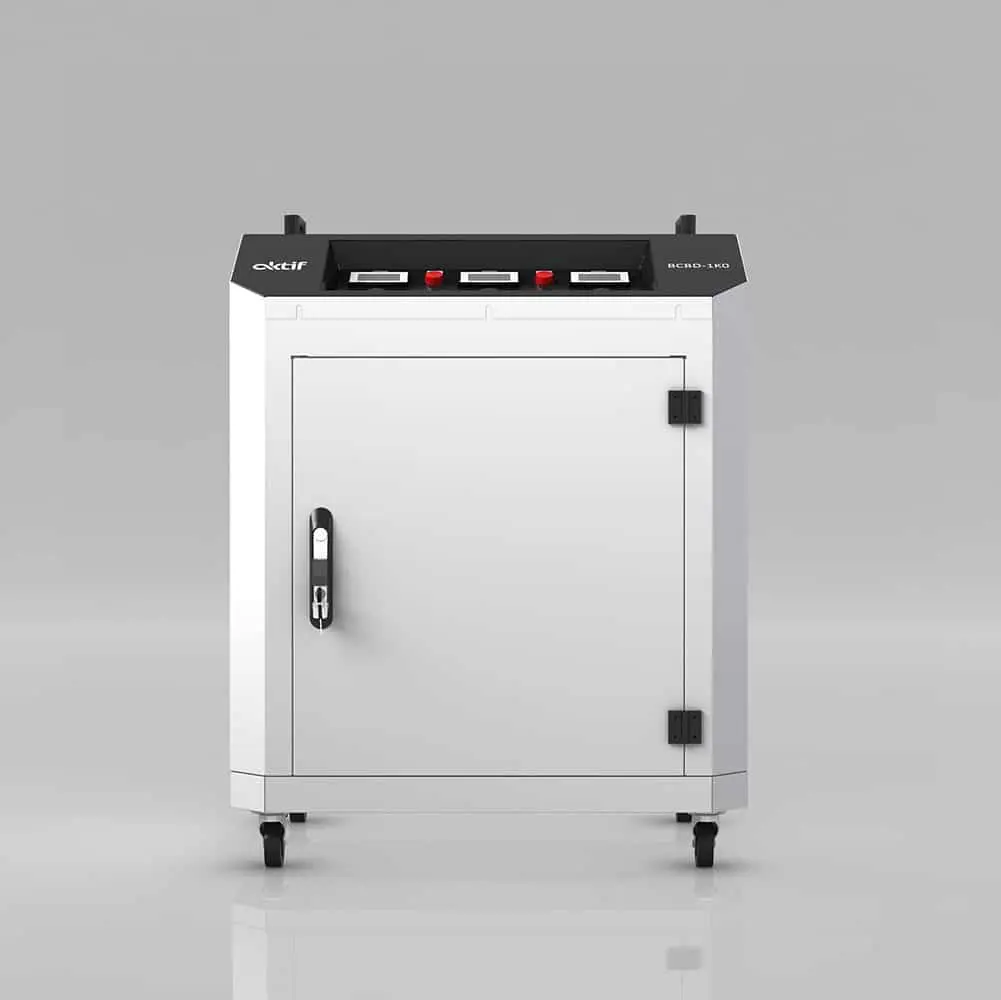

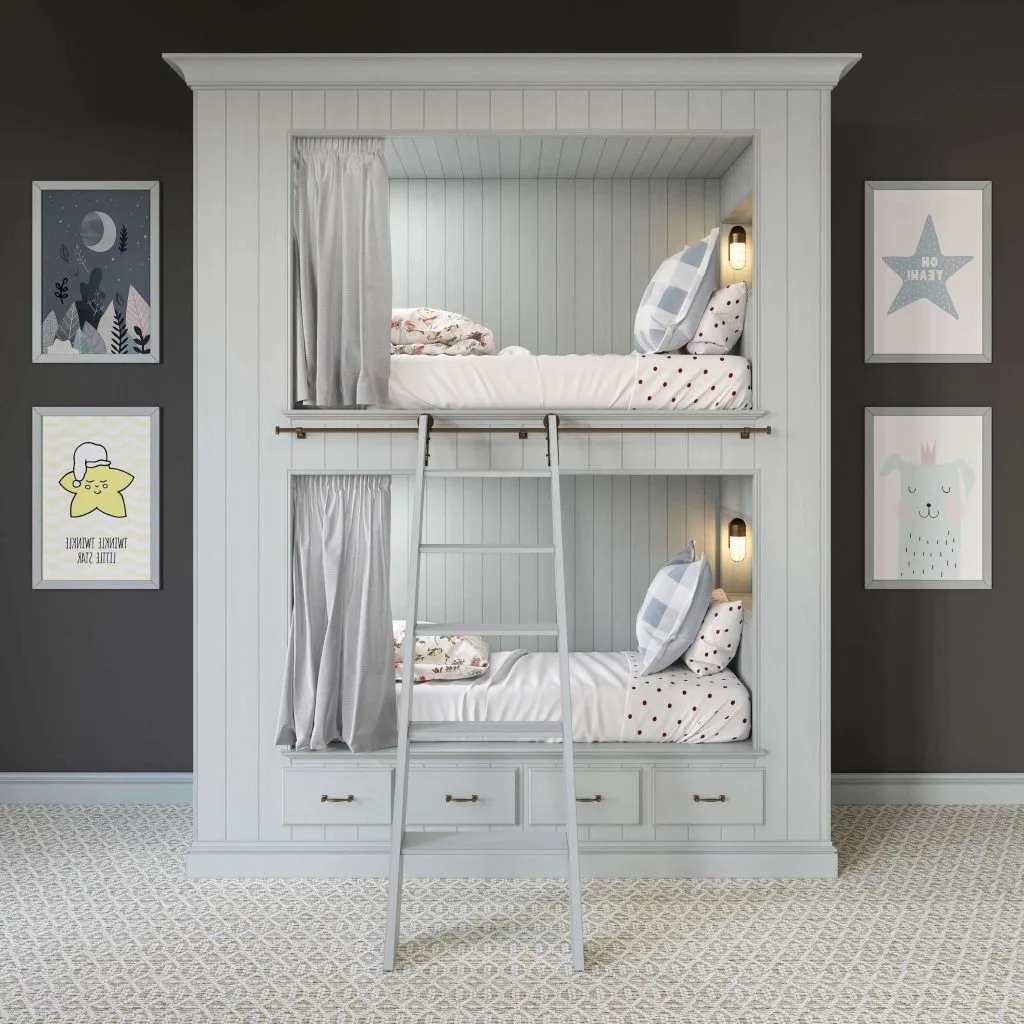


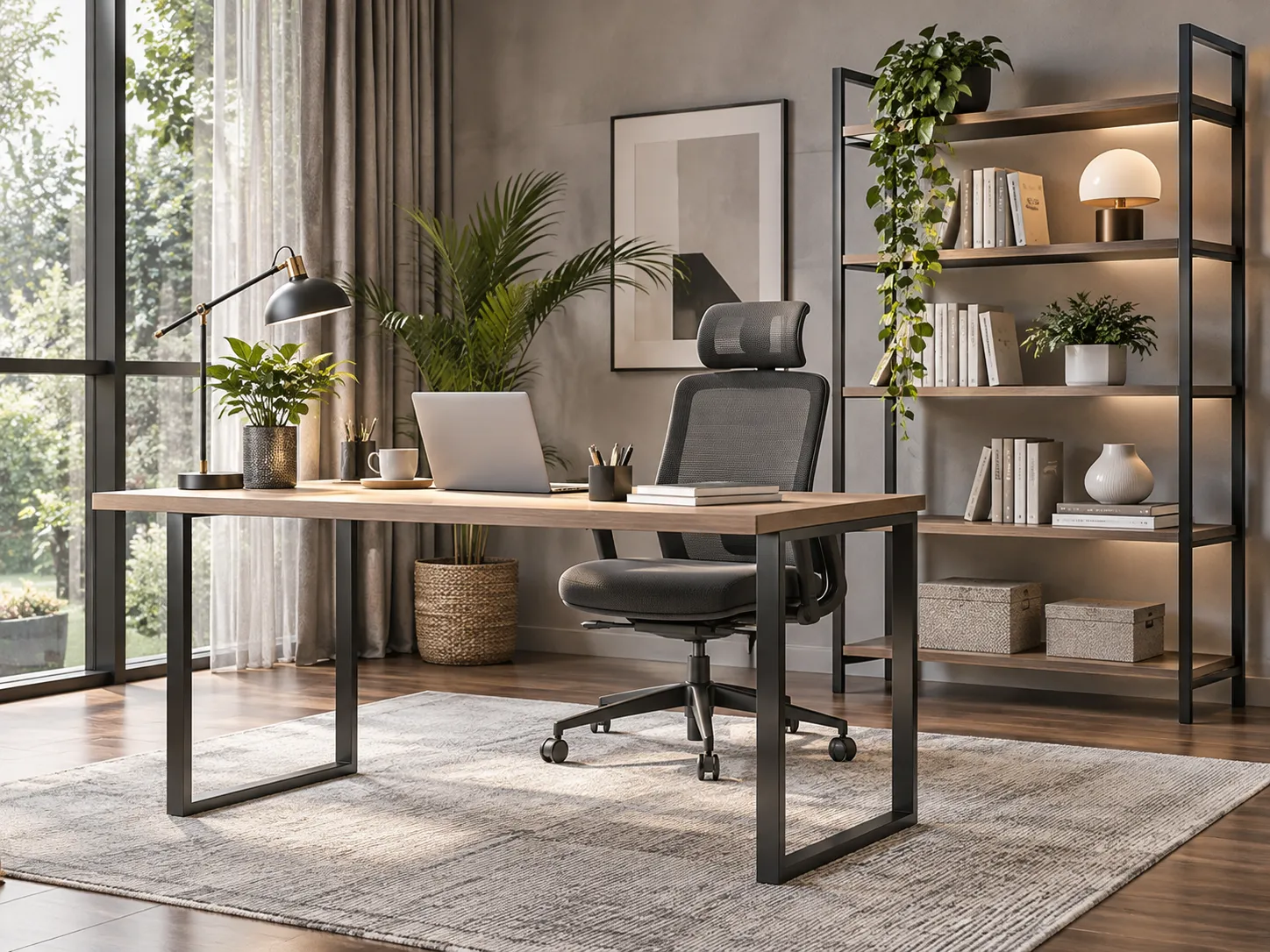
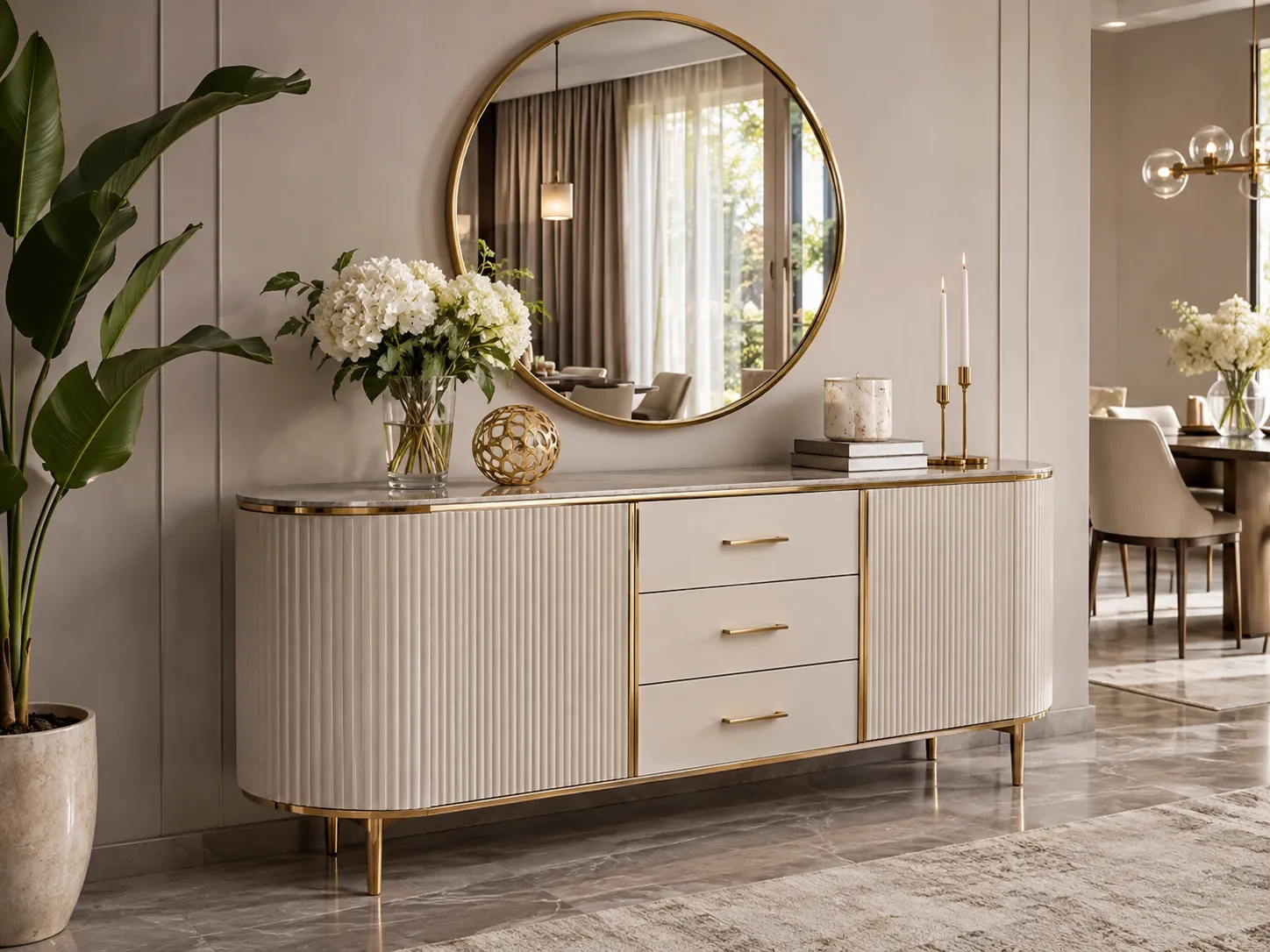
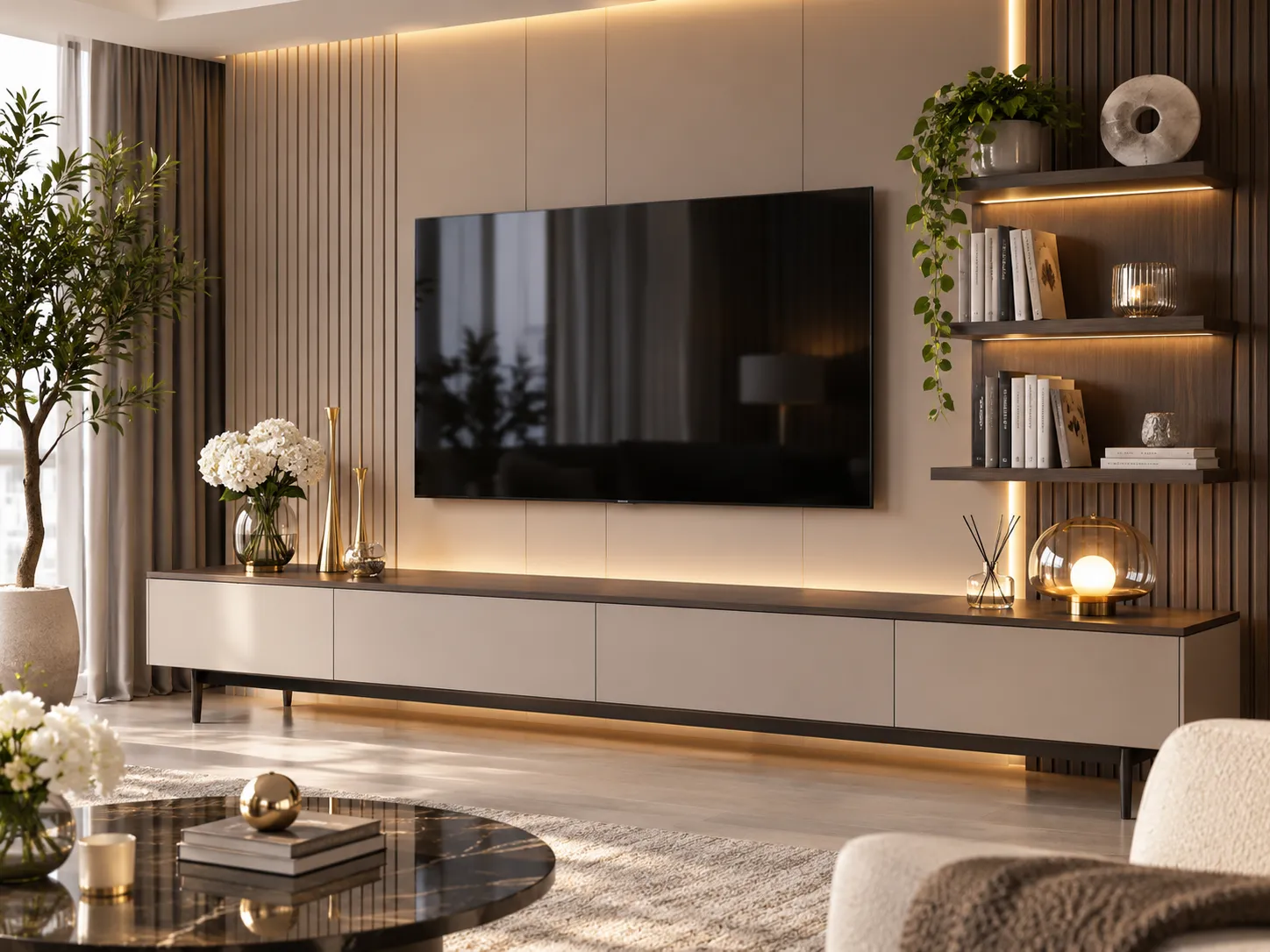
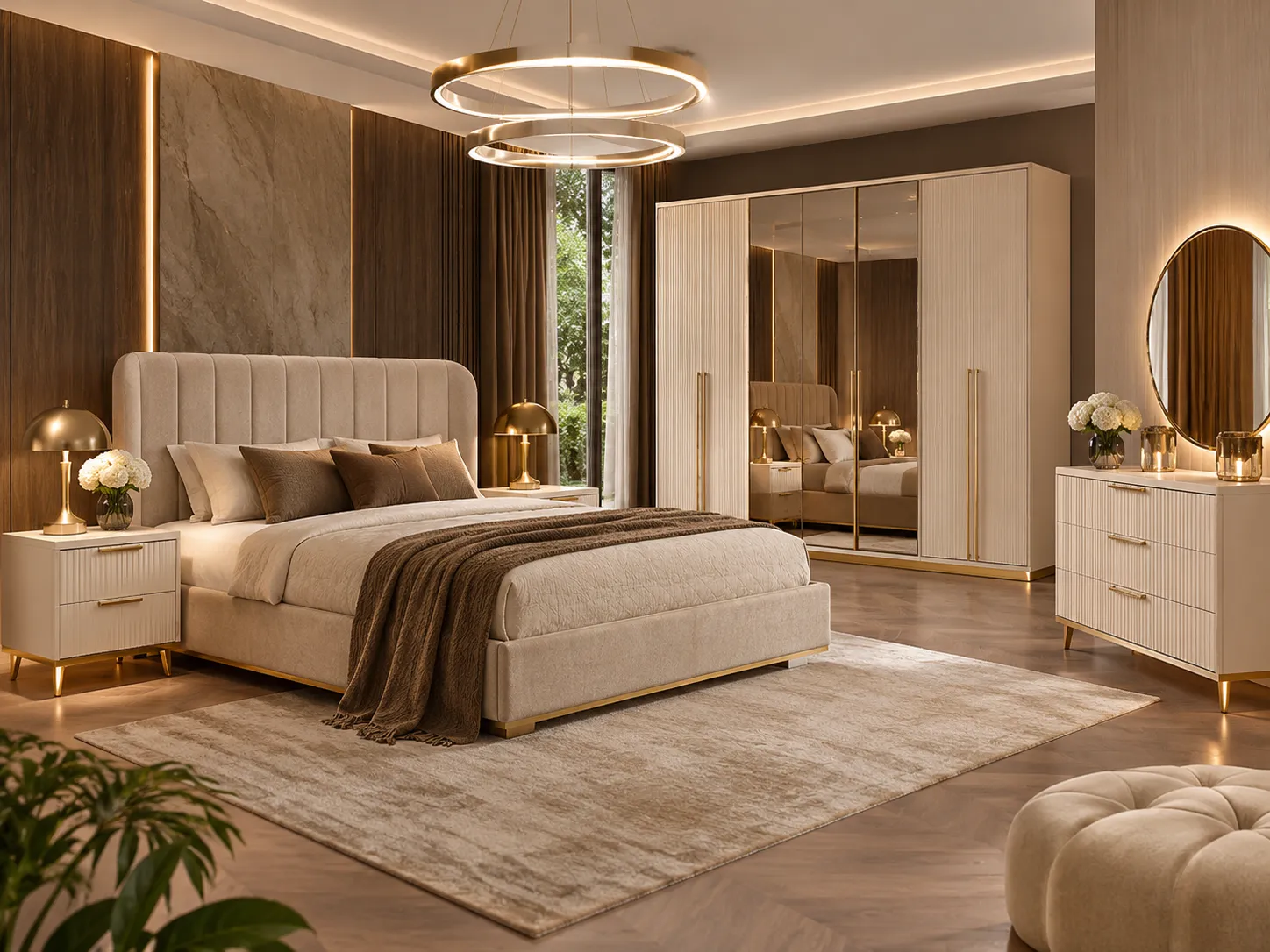
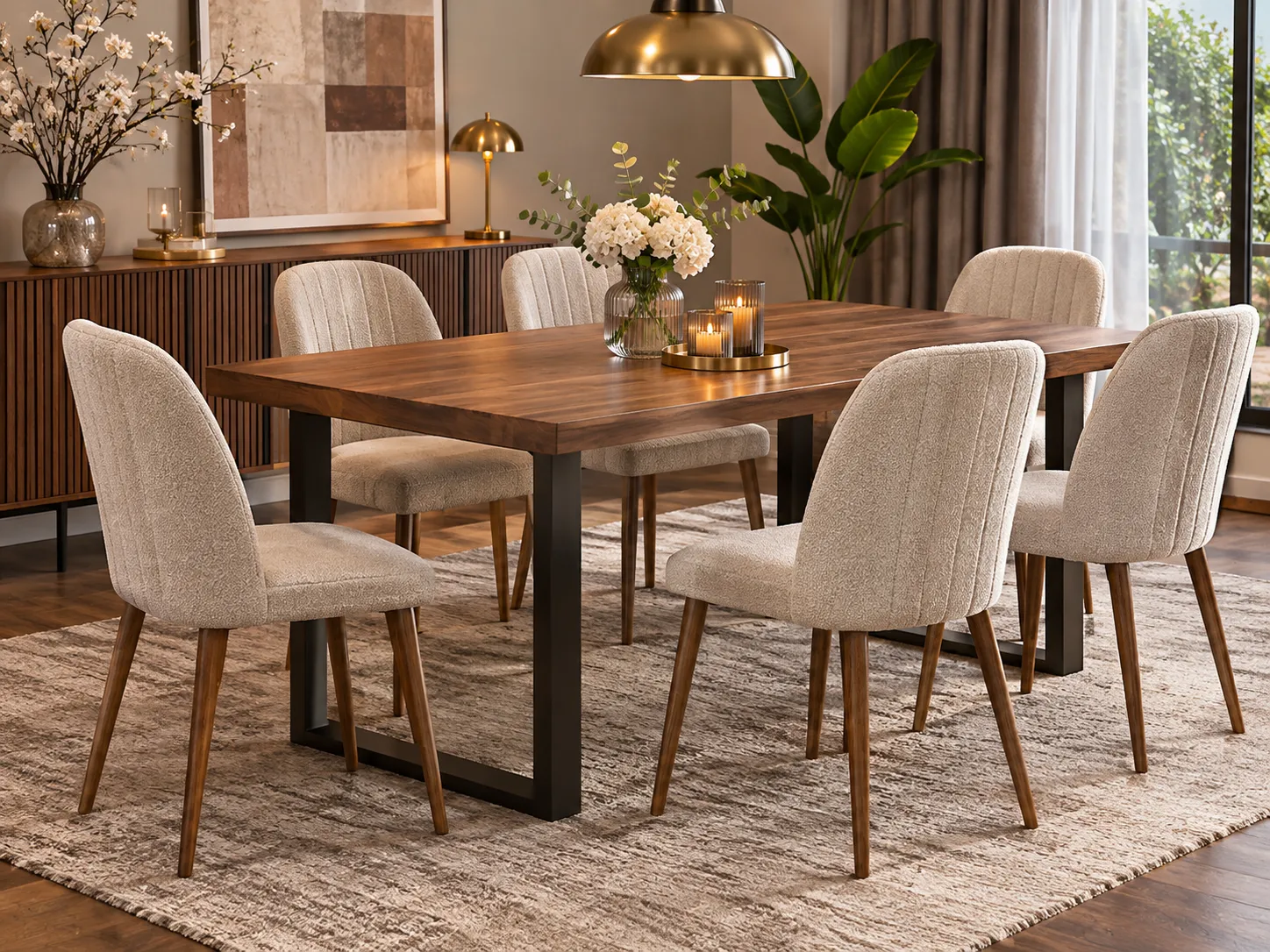
Explore more 3D modeling projects and ecommerce-ready furniture renders on the related pages.
We review dimensions, photos, technical drawings, any CAD files and the intended use.
We create the product's form, proportions and presentation-ready surface details.
We develop wood, metal, glass, plastic or fabric materials, then select lighting and camera views.
Approved visuals are delivered at the agreed resolution; model files are supplied when included in the scope.
3D rendering is especially useful for products not yet manufactured, material variations and complex scenes that are difficult to photograph. Additional views and backgrounds can be generated from one model.
Rendering is not always faster or cheaper than photography. Complex geometry or exact physical matching can increase the cost, so the right approach depends on the product.
Ecommerce images should represent true size, materials, texture and colors. Always check the current image rules of each marketplace.
One digital product can support studio backgrounds, lifestyle scenes, close-up details and color variants.
Ecommerce furniture visualizationNot always. Products can often be modeled remotely from dimensioned drawings, photos and material specifications. Complex surfaces may need additional measurements.
Modeling creates digital geometry; rendering uses that geometry with materials, lighting and cameras to produce images. The deliverables are agreed in the quote.
Compatible exported CAD geometry can be used for visualization, although cleanup may be required depending on topology, detail and file format.
No. A visualization model is not a technical document containing manufacturing tolerances, engineering calculations or production approvals.
Quotes depend on product count, geometry complexity, source files, material options, camera views, resolution and revisions.
Share dimensions, product photos or existing model files so we can define the modeling and rendering scope.